Last reviewed: 13 October 2026 ·
An agentic workflow is a sequence of automated steps where an AI agent makes decisions, calls tools and takes actions to complete a goal without a human having to manage each step. Unlike a simple automation that follows a fixed script, an agentic workflow can reason, retry on failure and branch based on what it finds. We run them inside Campercation, TrustedVillas and Verqos today, doing work that previously needed a person at a keyboard.
Quick facts
- An agentic workflow is not a chatbot — it runs without a conversation, triggered by data or a schedule
- Agents call external tools: APIs, browsers, spreadsheets, databases, email services
- A human stays in the loop at defined checkpoints, not at every step
- Agentic workflows fail when the underlying process is poorly defined — clean the process first
- Campercation's live map holds 25,000+ stopovers as at 14 October 2026, many added and verified through automated pipelines
- The correct build order is: remove waste, document the clean process, then automate it
What actually makes a workflow 'agentic'?
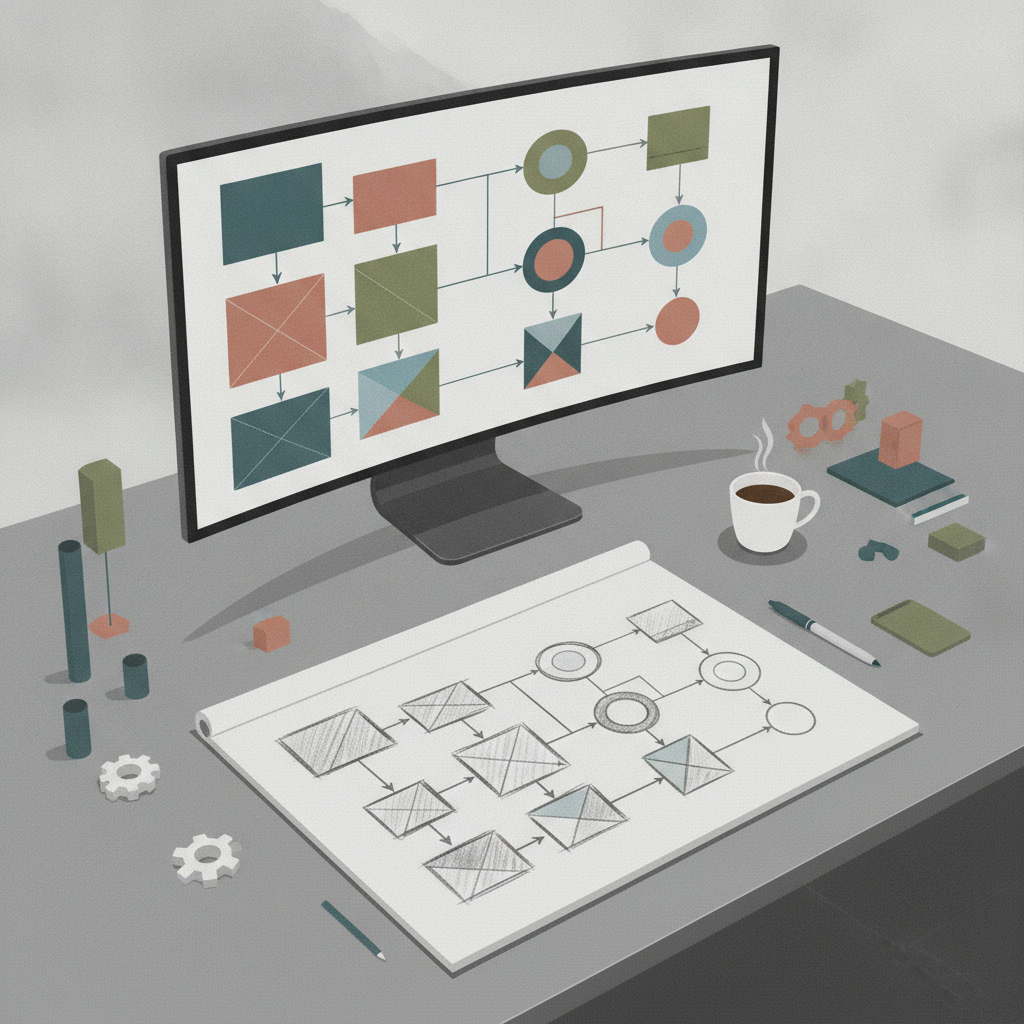
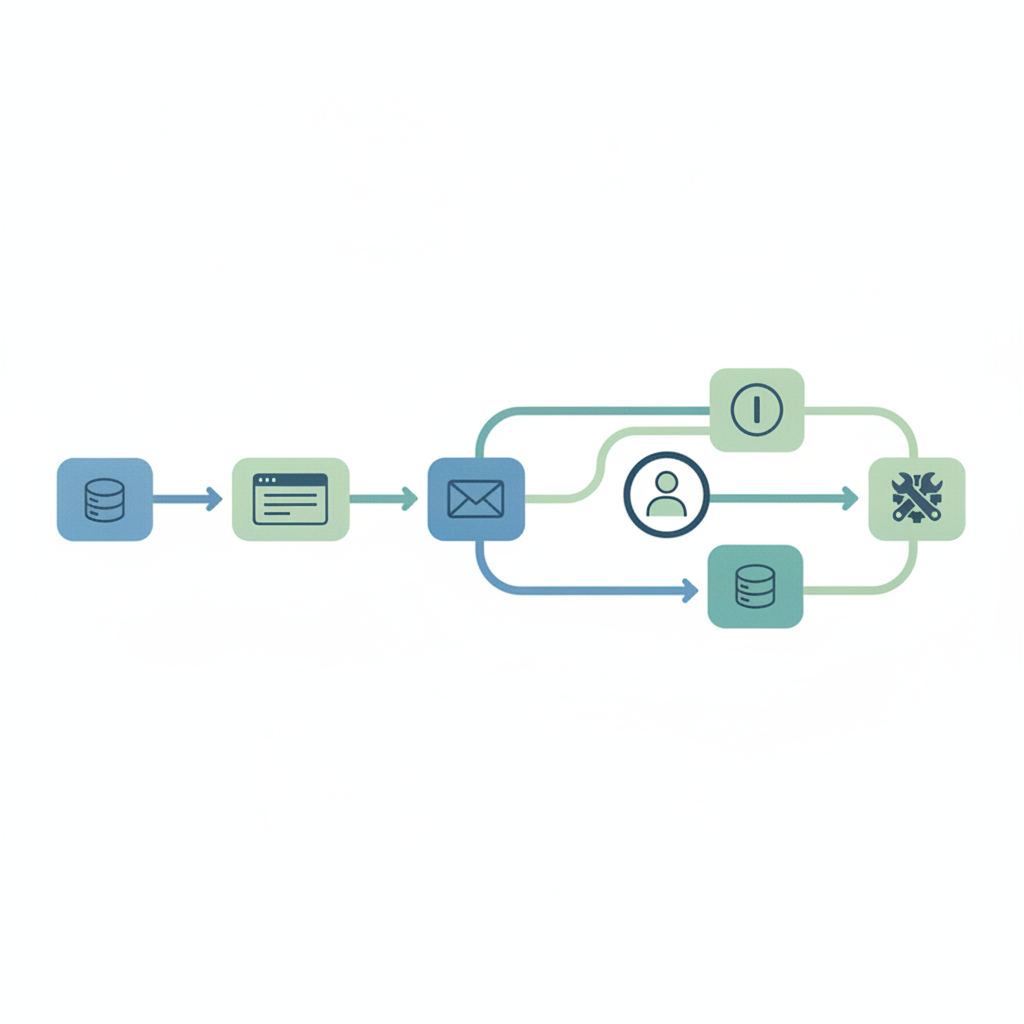
A standard automation is a fixed pipe. Data goes in, the same steps run, data comes out. Break one step and the whole thing stops. An agentic workflow is different because the AI at the centre of it can decide what to do next based on what it finds. It can call a search API, read the result, decide to fetch a second source, draft a response and post it — all without a human choosing each action.
The defining properties are: a goal, a set of tools the agent can use, and the ability to reason across steps rather than just execute them. You can read a fuller technical breakdown on our agentic workflows page, but the short version is this: if the AI can choose its own next action, it's agentic. If it just follows a flowchart you drew, it's automation.
That distinction matters because it changes how you build and how you fail. A flowchart automation breaks in a predictable place. An agent can fail in unexpected ways if you haven't defined the goal clearly. That's why I always apply lean before agents: remove waste and ambiguity from a process before an agent touches it.
What does an agentic workflow look like in practice?
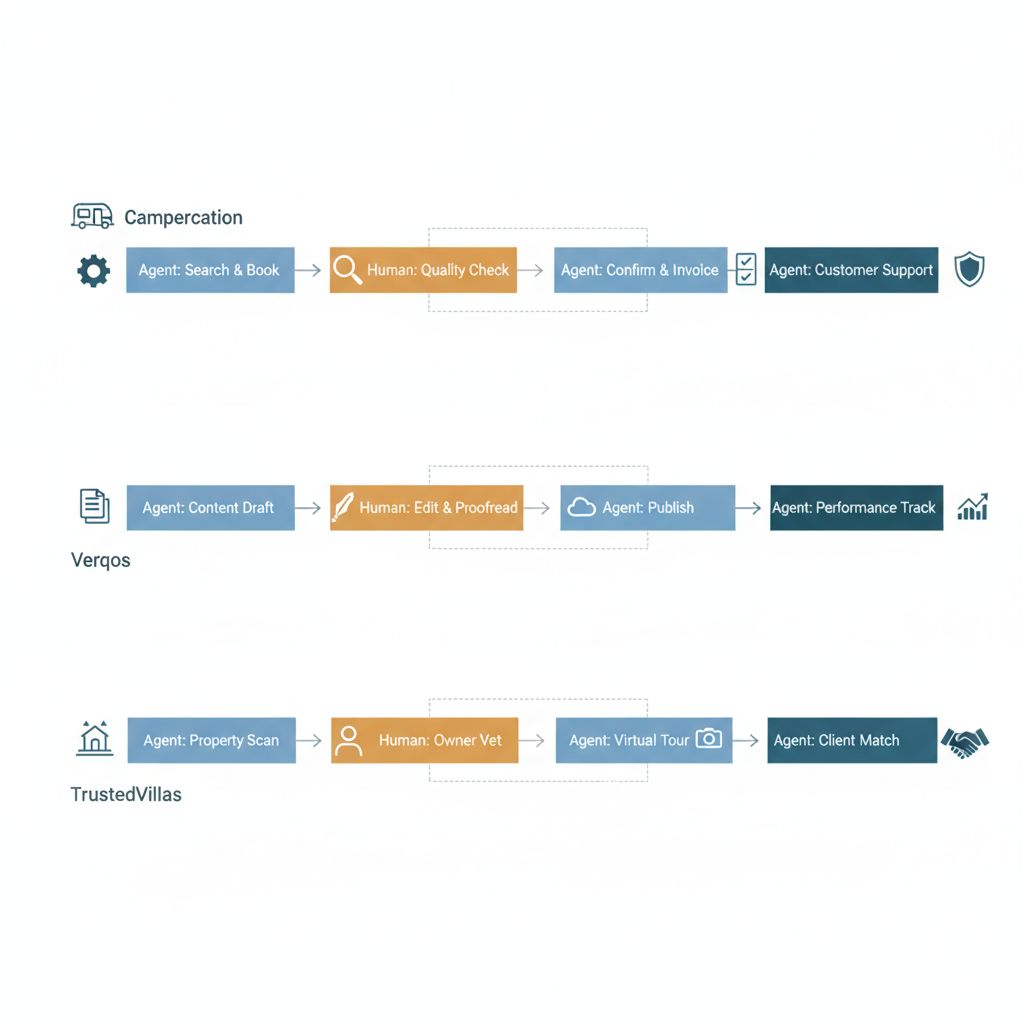
Here are three real pipelines we run. Not illustrative examples. Not 'imagine a company that'. These are running today.
Campercation: stopover data enrichment
Campercation is a platform for motorhome and campervan travellers. Its live map holds 25,000+ stopovers as at 14 October 2026. A human team could not keep that data fresh at that scale. An agentic pipeline does it.
The workflow monitors stopover records for staleness signals: a closed facility, a changed access rule, a listing that hasn't been verified in over a year. When it finds one, it pulls the relevant web sources, evaluates what changed, drafts an update in the correct schema and flags it for a human editor to approve before it goes live. The agent does the research and the drafting. A human does the final check. That's the loop.
What broke early on: the agent would occasionally treat a temporarily closed facility as permanently closed and draft a deletion rather than a suspension. We added a classification step that distinguishes temporary closure signals from permanent ones. One extra reasoning step, but it stopped a category of error that would have eroded trust in the map.
Verqos: the content pipeline
Verqos is our content engine. It produces SEO and GEO-targeted content at scale. The pipeline starts with a keyword brief, runs competitive gap analysis, drafts a structured post, checks it against our house style rules and outputs a file ready for editorial review. No human writes the brief twice. No human checks the same formatting rules by hand.
The human stays in the loop at two points: brief approval before the agent runs, and editorial sign-off before publish. Everything between those two gates is agent-driven. The pipeline now runs on a weekly cadence without me managing each run. That's the test I apply to any workflow we ship: can it run a full cycle without me watching it?
TrustedVillas: inquiry triage
TrustedVillas is a villa rental platform. Inquiries come in across multiple properties at different price points. The workflow reads each inquiry, classifies it by intent and urgency, checks availability data, drafts a personalised holding or conversion response and routes it to the right owner or manager with a suggested reply ready to send. Owners review and send. The agent doesn't send anything on its own.
That last point is deliberate. For anything that commits a business to a booking or a price, a human clicks send. The agent removes the cognitive load of reading, classifying and drafting from scratch. It doesn't remove accountability.
Where does a human stay in the loop, and why?
Every one of our pipelines has defined human checkpoints. This isn't a compliance gesture. It's practical. Agents make mistakes, and you want those mistakes caught before they reach a customer or a live database.
The framework I use is Knowledge, Skills, Wisdom (KSW): an agent can hold knowledge (facts, rules) and execute skills (tasks, tool calls), but wisdom — the judgement call that depends on context a system can't fully see — stays with a human. Map your process against those three levels and you'll know exactly where to put the gate.
For most SME workflows, that means the agent handles: research, drafting, classification, formatting, scheduling and routing. A human handles: final approval, anything that creates a financial or legal commitment, and any decision where the stakes of a wrong call are high and the signal is ambiguous.
If you want to understand how this applies to your own process, the AI agents for business page walks through the decision framework we use with clients.
Getting this right is where the playbook matters most. The businesses in our case studies all started with the same question: what should the agent never do alone?
What kinds of business processes are a good fit?
Not every process suits an agent. The ones that do share a few properties.
| Good fit | Poor fit |
|---|---|
| High-volume, repetitive research or triage | One-off, highly political decisions |
| Consistent input format (forms, structured data) | Inputs that vary wildly in structure or language |
| Clear success criteria you can test against | Goals that shift weekly based on internal mood |
| Tolerance for a draft-and-review cycle | Needs instant, autonomous action with no review |
| Process that runs at least weekly | Tasks done twice a year by one person |
The lean-before-agents principle applies here too. If your process is messy, an agent will make it faster and messier. Fix the process first. Document the clean version. Then hand it to an agent.
How do you build one without it breaking in production?
The build order matters. Here's the sequence I follow for every pipeline we ship.
- Map the current process. Every step, every decision, every handoff. On paper or in a doc. Not in code.
- Remove waste. Steps that exist because of legacy tooling or habit, not because they add value. An agent should inherit a clean process, not a cluttered one.
- Identify the KSW split. Which steps need knowledge, which need skill execution, which need wisdom. Wisdom steps stay human.
- Define the tools the agent needs. APIs, databases, browser access, email. List them before you build.
- Build a minimal version first. One tool call, one output, one review gate. Get that working before you add complexity.
- Test against real inputs. Not synthetic ones. Real emails, real listings, real queries. Agents behave differently on messy real-world data.
- Set up observability. You need to see what the agent decided and why. Log its reasoning, not just its output.
- Define the failure mode. What happens if the agent returns nothing? What if it returns something wrong? The human gate should catch both, but the system should degrade gracefully.
The Campercation stopover pipeline took three iterations before we were happy with how it handled edge cases. The Verqos content pipeline ran in a supervised mode for six weeks before we reduced the check frequency. Expect a break-in period and build for it.
If your team is at the stage of working out what to build first, the score from our AI Benefit Assessment gives you a ranked view of which processes in your business have the most to gain.
Frequently asked questions
What is an agentic workflow?
An agentic workflow is a series of automated steps where an AI agent decides its own next action based on what it finds, rather than following a fixed script. The agent uses tools like APIs, databases and web search to complete a goal. A human stays in the loop at defined checkpoints, typically for approval before anything commits the business to an action.
How is an agentic workflow different from a standard automation?
A standard automation follows a fixed sequence you define in advance. An agentic workflow lets the AI choose its next step based on the result of the previous one. That means it can handle variation and unexpected inputs better, but it also means failures can be less predictable. Defining the goal clearly and testing on real inputs is essential before you go live.
What are some real examples of agentic workflows?
On Campercation, an agent monitors 25,000+ stopovers (as at 14 October 2026) for stale data, researches updates and drafts corrections for human review. On Verqos, an agent runs a weekly content pipeline from keyword brief to editorial-ready draft. On TrustedVillas, an agent triages property inquiries and drafts responses, which owners then send themselves.
Where does a human need to stay in the loop in an agentic workflow?
Any step that creates a financial or legal commitment, sends a communication to a customer, or requires judgement the agent can't fully see should have a human gate. We use the Knowledge, Skills, Wisdom (KSW) framework: agents handle knowledge and skill-execution steps; humans retain the wisdom steps where context and stakes are high.
What kinds of business processes are a good fit for agentic workflows?
High-volume, repetitive tasks with consistent inputs and clear success criteria work well. Good examples are inquiry triage, data enrichment, content drafting and lead qualification. Poor fits are one-off decisions, processes with wildly inconsistent inputs, or tasks done only a couple of times a year where the build cost outweighs the saving.
Do I need to sort out my processes before building an agentic workflow?
Yes. If the underlying process is messy, an agent makes it faster and messier. The lean-before-agents principle means you document and clean the process first, then hand it to the agent. Every pipeline we've shipped that skipped this step needed rework. The ones that started with a clean process held up far better in production.