Last reviewed: 26 October 2026 ·
You build agentic workflows by mapping a process first, removing every step that shouldn't exist, then assigning each remaining step to either an AI agent, a human, or a tool call, and connecting them with clear handoffs and observable logs. The work is mostly process design, not coding. A workflow you can't describe on a whiteboard won't run reliably as an agent.
Quick facts
- Start with process mapping, not with a model or a framework
- Each agent should own one well-defined task, not an entire job function
- Human-in-the-loop checkpoints are a feature, not a sign the automation failed
- Toro's scheduled agents run 24/7 across Campercation, TrustedVillas and Verqos (as at 14 October 2026)
- The TrustedVillas sync pipeline keeps 63,000+ properties in sync (as at 14 October 2026)
- Observable logs are non-negotiable: if you can't see what an agent did, you can't fix it when it breaks
What is an agentic workflow, exactly?
An agentic workflow is a sequence of tasks where one or more AI agents make decisions and take actions, rather than simply returning text. The agent can call a tool, write to a database, trigger another agent, or hand off to a human. It's the difference between asking ChatGPT a question and running a process that fetches data, validates it, transforms it, and loads it somewhere, all without you touching a keyboard.
You can read a fuller definition on our agentic workflows overview, but the short version is this: an agentic workflow has memory, can use tools, and can decide what to do next based on the output of the previous step.
Why process mapping comes before any code
This is where most AI rollouts fail. Teams pick a framework, spin up an agent, and then wonder why it produces garbage. The agent isn't the problem. The process is.
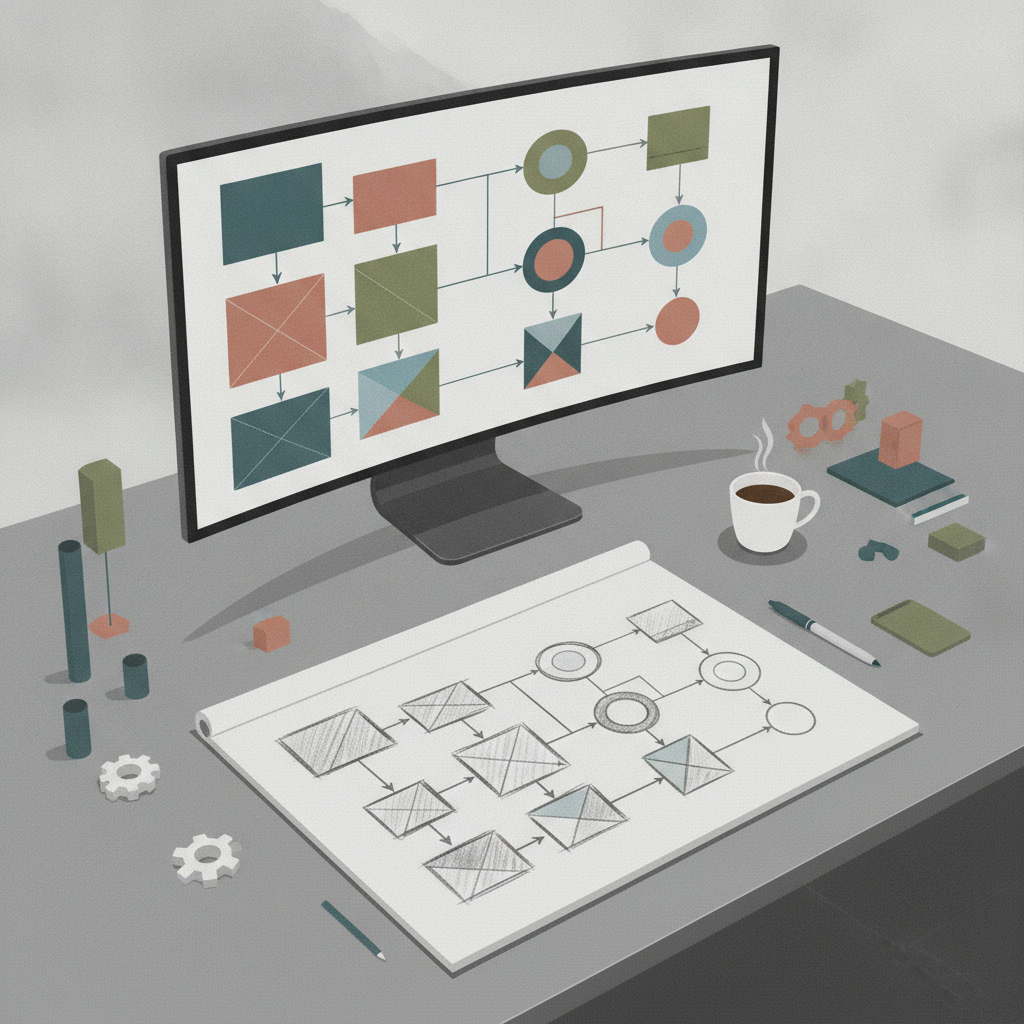
I started in lean manufacturing. The first rule is to stop doing the wasteful steps before you automate anything. If you automate a bad process, you get bad results faster. That's Toro's Lean before agents principle, and it applies to every agentic build we do.
Here's the order:
- Write the current process out, every step, every decision, every handoff.
- Ask which steps produce value and which exist because "that's how we've always done it".
- Remove or merge the wasteful steps.
- Now draw the agent workflow.
Only at step four do you open a code editor.
From messy process to agentic workflow
What does the actual build look like?
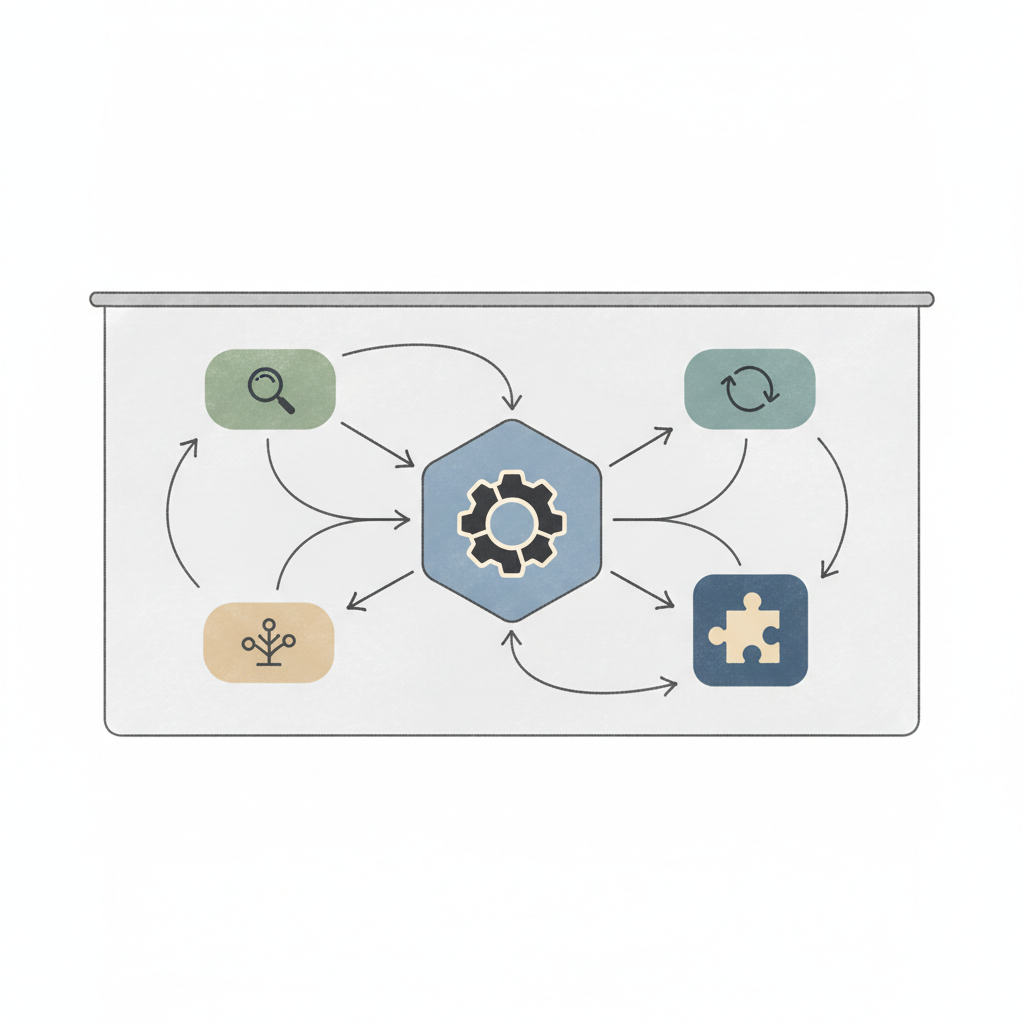
Once the process is clean, the build has five parts. These apply whether you're using a framework like LangGraph, building on a cloud orchestrator, or wiring agents together with plain Python.
1. Define each agent's scope
One agent, one job. An agent that "handles content" is too broad. An agent that "fetches a draft from the brief, checks word count and reading level, and returns a pass/fail with notes" is testable. Scope creep at the agent level is the single most common cause of unreliable workflows.
2. Specify the tool calls
Agents need tools: search, a database read, an API call, a file write. List every tool call each agent needs before you build it. If a tool doesn't exist yet, build the tool first and test it independently. Mixing tool-building and agent-building in the same sprint is a fast way to lose a week to debugging the wrong layer.
3. Design the handoffs
Handoffs are where workflows break. A handoff is any point where one agent passes output to another agent or to a human. Each handoff needs a defined schema, a validation step, and a fallback if the input is malformed. Don't assume the previous agent sent what you expected. Check it.
4. Place human-in-the-loop checkpoints
Not every step should be fully automated. On the AI agents we build for businesses, we always ask: where would a mistake be expensive or irreversible? Those steps get a human checkpoint. A content agent can draft and format autonomously, but publishing to a live site often stays gated on a human approval, at least until confidence is established.
5. Build observability in from day one
Log every agent action: what it received, what it decided, what it called, what it returned. If you can't replay a run, you can't diagnose a failure. This isn't optional engineering hygiene; it's what lets you hand the workflow over to someone else without a two-hour knowledge dump.
Building solid agentic workflows takes pattern recognition across many builds. Get the Agentic Playbook to see how we approach the design phase.
Real examples from Toro's own businesses
We don't just build agentic workflows for clients. We run them on our own platforms, which means when something breaks at 2am, it's our problem to fix.
The TrustedVillas sync pipeline keeps 63,000+ properties in sync as at 14 October 2026. That pipeline runs scheduled agents 24/7 across multiple data sources. It validates incoming records, flags anomalies for human review, and writes clean data to the database without manual intervention on routine runs.
On Campercation, the live map serves 25,000+ stopovers as at 14 October 2026. Keeping that data accurate and current relies on agents that check, validate and update records on a schedule, not on someone manually reviewing thousands of rows.
The Verqos content engine saves hundreds of hours per week as at 14 October 2026. That's a content pipeline where agents handle research, structuring and formatting, with humans staying in the loop on editorial decisions. The agent does the repeatable work. The human does the judgement work.
These are real systems, running today, built on the same five-step approach above.
What breaks, and how to prevent it
The failures I see most often:
- Prompt drift: the agent's instructions get edited incrementally until no one knows what the current behaviour is supposed to be. Fix: version your prompts like code.
- Tool auth failures: an API key expires or a webhook URL changes, and the agent fails silently. Fix: alert on tool-call failures, not just agent failures.
- Context window overload: an agent gets handed too much context and starts hallucinating or ignoring instructions. Fix: trim what you pass in; agents should receive the minimum they need.
- No fallback path: the workflow assumes the happy path and has no handling for a null return or an error state. Fix: design the error paths before the happy path.
- Scope creep: someone adds "can it also do X?" and the agent becomes a general-purpose mess. Fix: build a new agent for X; don't extend the existing one.
How do you know when the workflow is ready to hand over?
I use three tests. First, can someone who wasn't in the build run it, fix a prompt error, and restart it, using only the documentation? Second, does the observability log tell a clear story of every run, including the ones that failed? Third, has it run without intervention for long enough that you've seen it handle edge cases, not just the clean inputs?
If all three are yes, the workflow is ready. If any is no, it's still in progress.
This is what Toro's Knowledge, Skills, Wisdom (KSW) handover check covers. Knowledge is knowing the process; Skills is being able to run it; Wisdom is knowing when to escalate. A workflow is only truly handed over when the operating team has all three, not just a login and a README.
Frequently asked questions
How long does it take to build an agentic workflow?
A focused single-agent workflow, covering one well-scoped task with two or three tool calls, can be running in a few days once the process map is done. Multi-agent pipelines with complex handoffs and human-in-the-loop steps typically take two to six weeks. The bottleneck is almost always the process design phase, not the coding.
Do I need to know Python to build agentic workflows?
Some low-code tools let you build simple agentic workflows without writing code, but anything production-grade, handling real data, with reliable error handling and observability, requires engineering. Python is the most common language for agentic builds. If your team can't write and test Python, you'll need engineering support for anything beyond prototypes.
What's the difference between an agentic workflow and basic automation?
Basic automation follows a fixed script: if A then B. An agentic workflow lets an AI agent decide what to do next based on the output of the previous step, call external tools, and loop or branch without pre-programmed conditions. The agent can handle variation. Traditional automation can't; it breaks when the input doesn't match the expected format.
Should every step in an agentic workflow be automated?
No. Human-in-the-loop checkpoints belong in any step where a mistake is expensive, irreversible, or requires judgement that the agent hasn't earned yet. Good workflow design identifies exactly which decisions a human must own, and keeps those as explicit gates rather than trying to automate everything and hoping for the best.
How do you monitor an agentic workflow once it's live?
Log every agent action, every tool call, every input and output, and every error state. Set alerts on tool-call failures and unexpected null returns, not just on crashes. Review the logs regularly in the early weeks. Toro runs scheduled agents 24/7 across its own platforms, and the logs are the first place we go when behaviour changes unexpectedly.
What is 'lean before agents' and why does it matter?
Lean before agents means mapping and cleaning a process before automating it. If you automate a wasteful or poorly designed process, the agent runs the bad steps faster but produces the same bad output. Removing the waste first means the agent has less to do, fewer edge cases to handle, and a much higher chance of running reliably from day one.